
How To Make A Viral Lyric Video For YouTube & Facebook
*This article may contain links to affiliate products & services. We have reviewed these services to try and ensure the highest quality recommendations*
Written Jaron Lewis
When we see the videos that inspire us on YouTube or Facebook, we wonder how such lyric videos are made. Actually speaking, making almost professional videos is not as difficult as we think it is. All one needs is the basic know-how on presentation facts and some thumb rules to tweak them according to our audience.
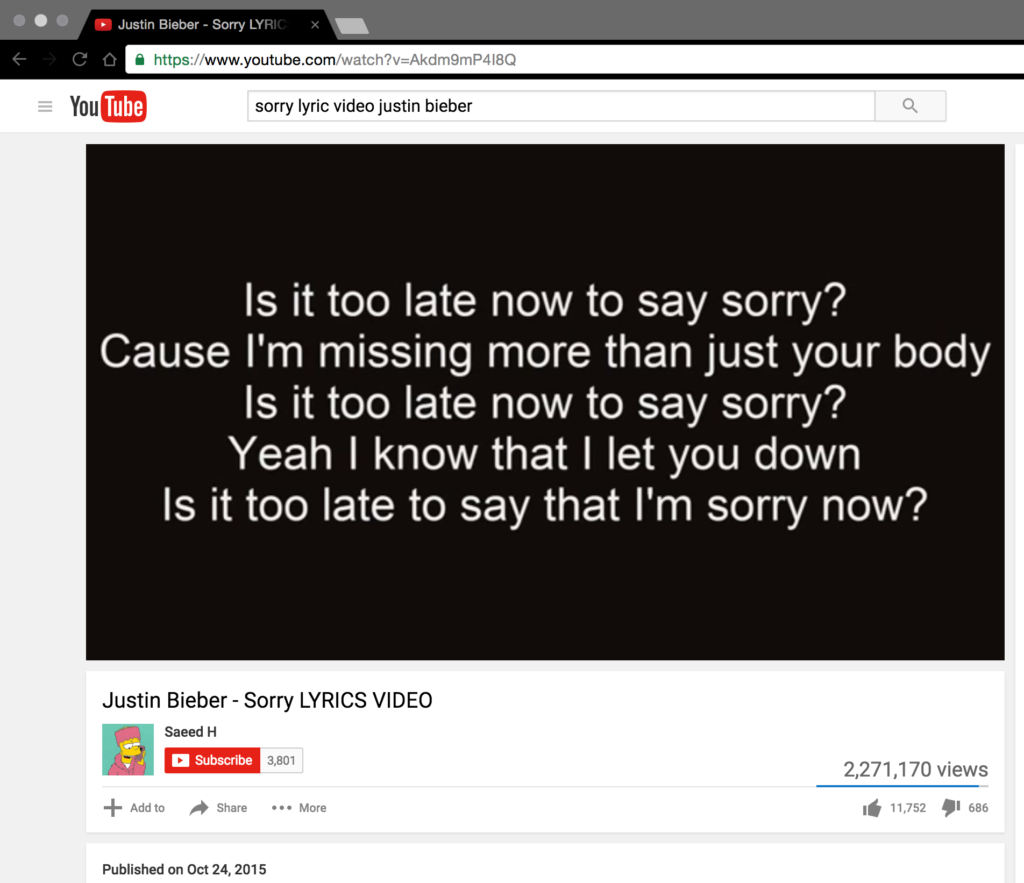
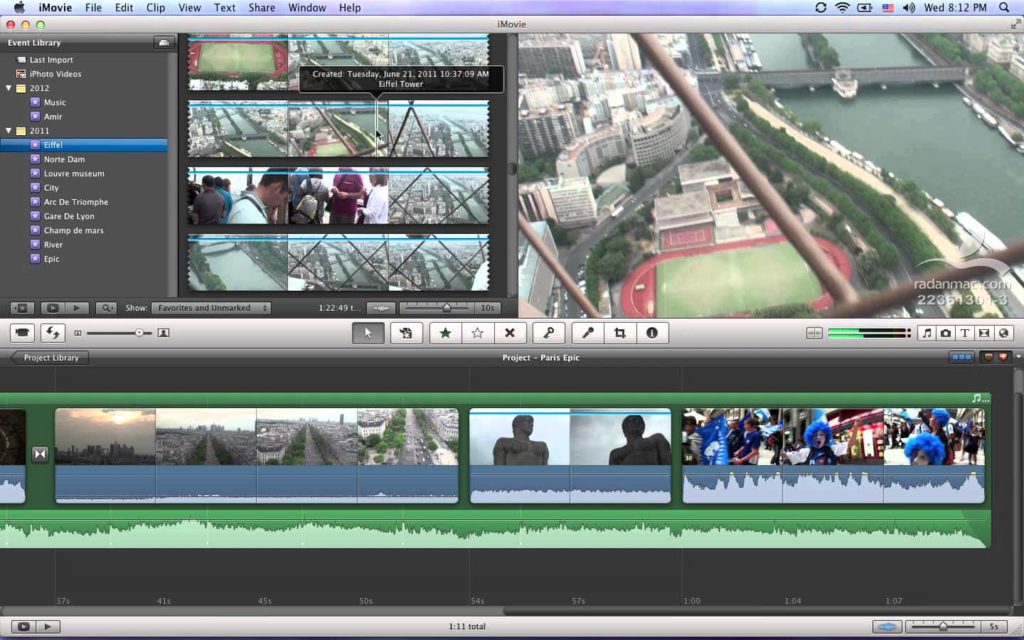
A lyric video is a video with just the lyrics playing like a presentation with the song playing in the background. The lyrics for any song can be played in a video form. This is a great way to share the lyrics of the song you love with your best friends on YouTube. A video can be easily made in many video making applications/software iMovie, Windows Live Movie Maker or a simple PowerPoint presentation. Once you design the video inside and out, you can make as many videos you need the same way.
Video Editor’s Magic
Use a virus free video editing software to design your lyric video. Using a video editing software to make your lyric video would give the professional look and feel you need. The variety of fonts, backgrounds and options to import your favorite songs to start off quickly with your video is one of the positive aspects of having a video editor in place.
Favorite Song On Your PC
Keep your favorite song readily available on your computer for which you want to make a lyric video. The song must be an audio file. Ensure that you have a good quality audio file to get an overall professional lyric video.
Adjusting The Video Aspect Ratios And Color Scheme
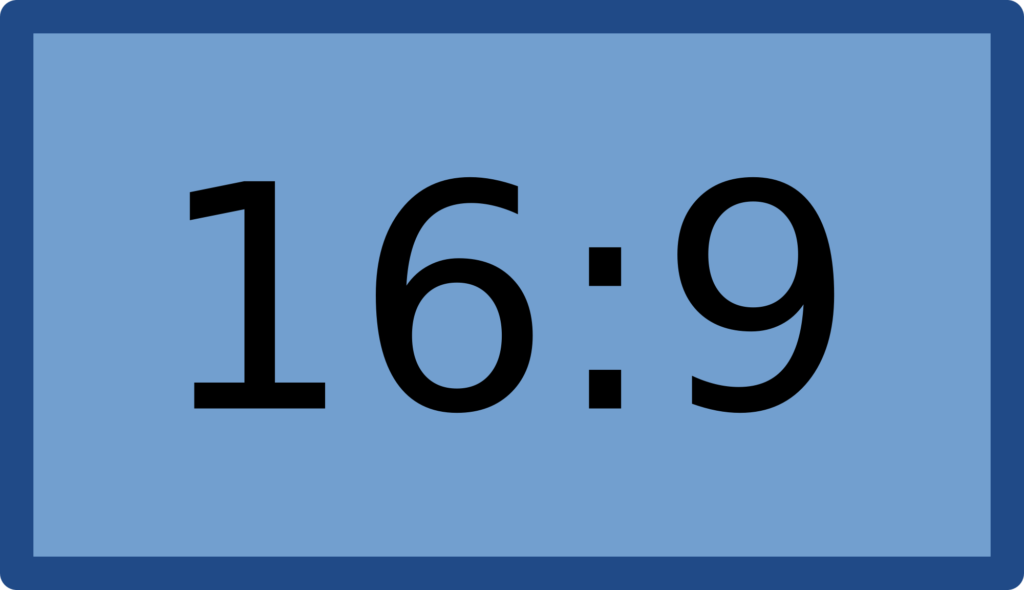
Beware of the video aspect ratios. The lyric videos should have 16:9 aspect ratio to be presentable on YouTube. Any video on YouTube if published adapts to the inbuilt video setting. Another important thing to consider is the color scheme. When the lyrics are of importance and needs to be highlighted, a contrasting color scheme is of utmost importance. The lyrics should be displayed clearly and should be in a readable font and style.
The Title Page Is A Must
Add a title page to give your information, details about the song, composer, lyricist/songwriter/ghostwriter and much more. This can give your audience much wanted information about the song you share. Also the title page is the first page to create an impression about the video. Be mindful of the fonts, format, arrangement of text and the style.
Key Steps In Creating A Video On A Software
• Open a new movie/presentation/new event
• Import the song from your PC
• Create your video with the pre-installed templates if any
• Adjust the background images to suit your lyrics
• Adjust the lyric line to the song line
• Play the song and adjust wherever necessary
• Save the video and export it in an adaptable format supported by YouTube
• Upload and publish your video to enjoy your creation.
Have Fun!
The trend these days is to share your favorite songs with everyone to express your love and care. Make videos in no time and upload on YouTube and social media. Have fun!
When your song is ready to go, it's time to start promoting it to potential fans! Omari has the best organic promotion services money can buy. With packages for Spotify, TikTok, Instagram, and YouTube, we will get your music the traffic and attention it deserves! Click below for more information.
SPEAK YOUR MIND
How This INDIE Artist Got Over 67,598,275 Streams On ONE Song
Join the No-Nonsense Music Marketing Newsletter to get the most valuable weekly case studies and strategies to grow your music business!
TOPICS
RECENT ARTICLES


© 2026 Omari MC, LLC. All Rights Reserved.

© 2026 Omari MC, LLC. All Rights Reserved.